



OfferGate Review: 100+ Offers and Monetization Solutions for Websites and Software
- September 22, 2026
- by Affbank Team
- Reviews: 0
OfferGate is a CPA network that has been operating since 2016. It features more than 100 offers across Software, Mobile Apps, E-commerce, and Games, with CPA, CPI, CPS, CPL, and RevShare payout models available.
One of the network’s areas of focus is monetizing websites where users download files and software. For example, website owners can add a dedicated widget to download buttons and earn additional revenue from users who click on them.
There is also a solution for desktop software developers that integrates advertising directly into the application installation process.
Some of these solutions are developed in-house. For larger partners, the team can also create a custom integration for a specific website or application and assist with the setup.
Advantages of OfferGate
Let’s start with what sets OfferGate apart from most traditional CPA networks.
Monetization for file and software download websites. When users visit a website to download a file or program, an additional monetization layer can be built directly into the download button. For this purpose, OfferGate developed Download Widget, which integrates advertising into CTA buttons and provides another way to generate revenue from existing traffic.
Ads during software installation. Desktop software developers can monetize users during the application installation process. This is done through BundlePack, which displays ads directly during installation. The integration can be handled by the OfferGate team or set up independently by the developer using the provided instructions.
More than 100 offers. In addition to offers for file and software traffic, affiliates can promote mobile apps, e-commerce products, and games. Depending on the offer, available payout models include CPA, CPI, CPS, CPL, and RevShare. New offers are added approximately once a week.
Private offers. Affiliates get access to 16 offers immediately after registration, with more becoming available once their account is approved. There are a number of private offers that can be unlocked by contacting support.
Higher payouts. Affiliates can negotiate higher rates for selected offers. Custom terms are also available for teams generating large traffic volumes.
Custom integrations. For large website owners and software developers, the team can adapt its advertising solutions to a specific product. OfferGate handles the technical side of the setup and, when necessary, develops a custom integration for a particular website or application.
5% from referred affiliates. For every affiliate referred to OfferGate, the referrer receives 5% of the revenue that affiliate generates for the network.
How to Get Started with OfferGate
Signing up for OfferGate is straightforward and takes just a few minutes.
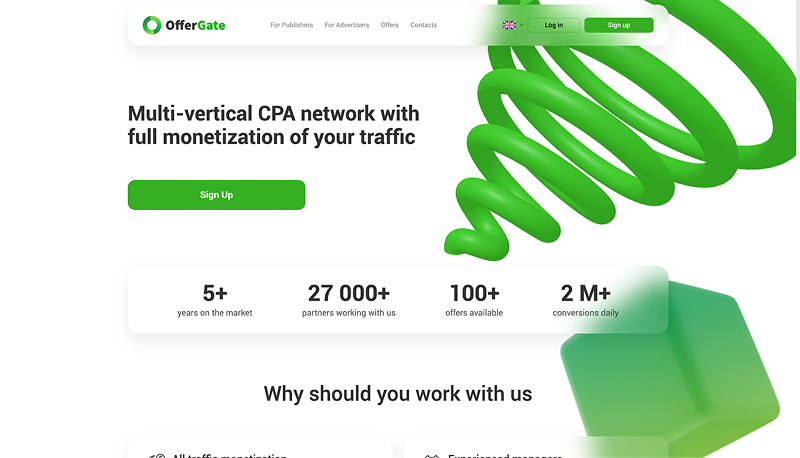
1. Go to the OfferGate website and click “Sign up.”
2. Enter a username and email address, provide your Telegram or Teams contact, and create a password. Then complete the CAPTCHA, accept the terms of service, and submit the form.
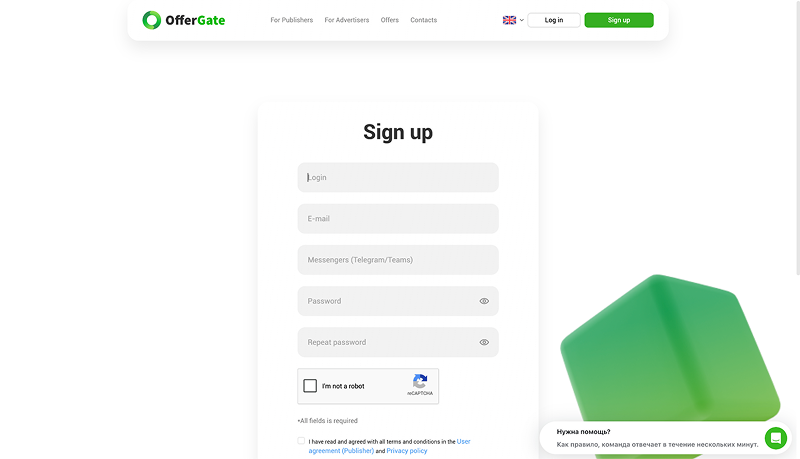
Once registered, your account will be sent for review. Until it is approved, you’ll have access to 16 offers. The rest become available after approval.
OfferGate Dashboard Overview
Let’s take a look at how the OfferGate dashboard works and what features are available.
Statistics
This section shows performance data for your traffic over a selected period. You can filter the statistics by traffic source and offer, while SubIDs provide a more detailed breakdown.
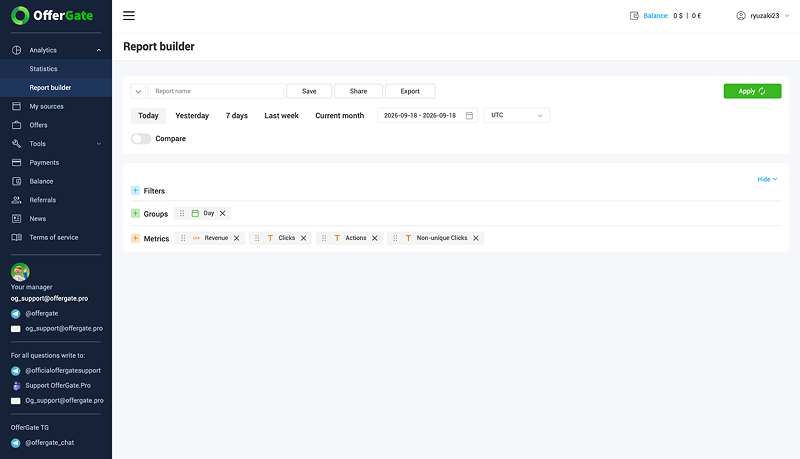
There is also a report builder where you can select the metrics you need and customize the report.
Traffic Sources
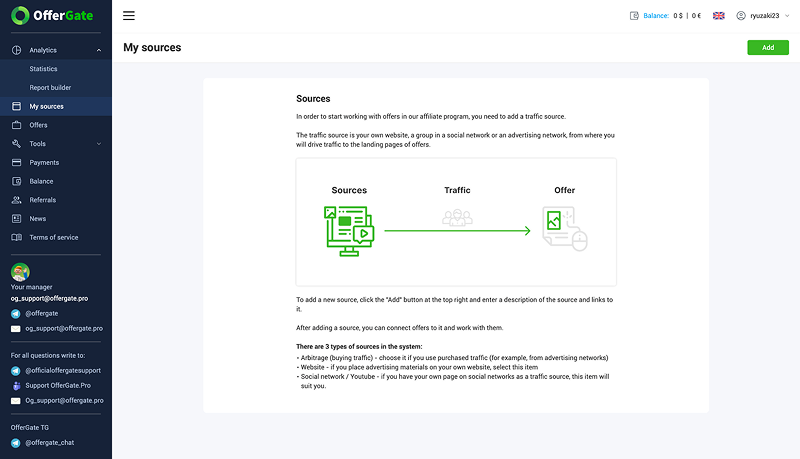
This section is where you can add the sources you plan to use for promoting offers. There are three types available: paid traffic, your own website, and social media/YouTube.
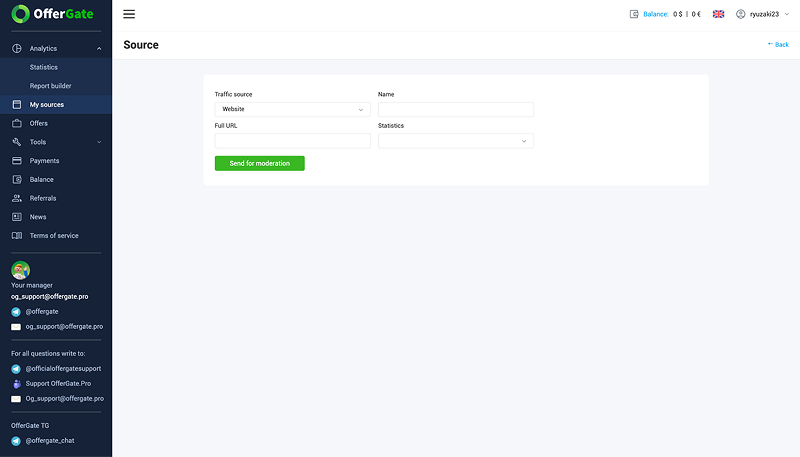
When adding a source, select its type and enter a name and URL. Once submitted, the source is sent for review.
Offers
This section contains the full offer catalog. You can search for offers by name, filter them by specific parameters, and sort the results, for example, by rating.
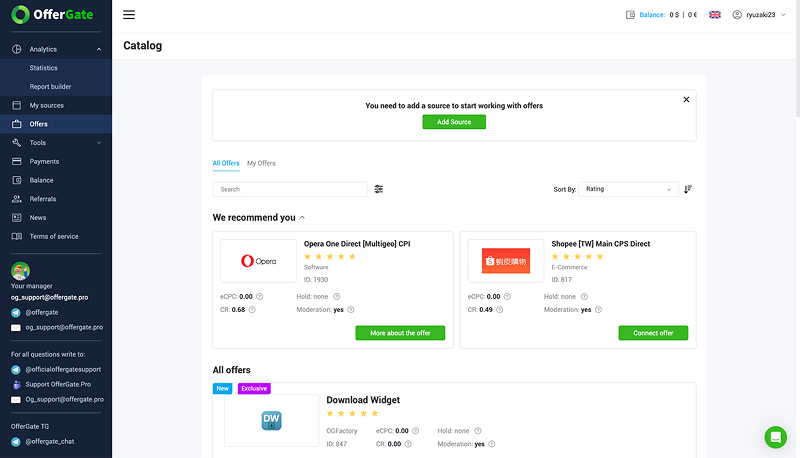
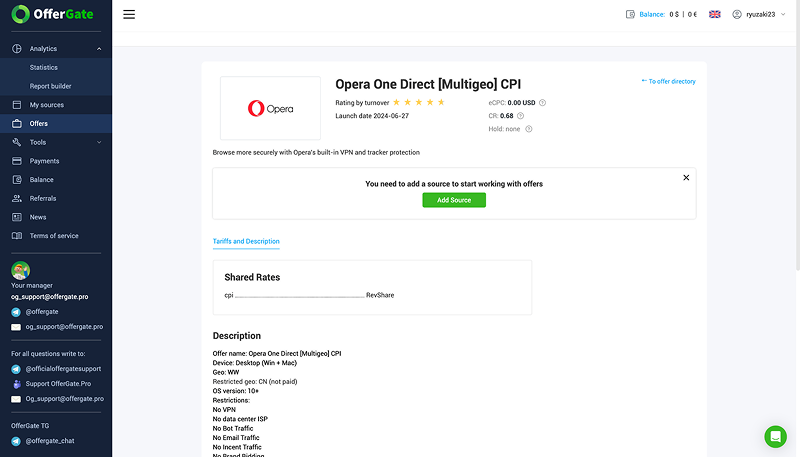
Each offer card shows key details such as terms, CR, eCPC, hold period, and whether approval is required. Opening an offer gives you access to a more detailed description, available GEOs, restrictions, and other terms.
Tools
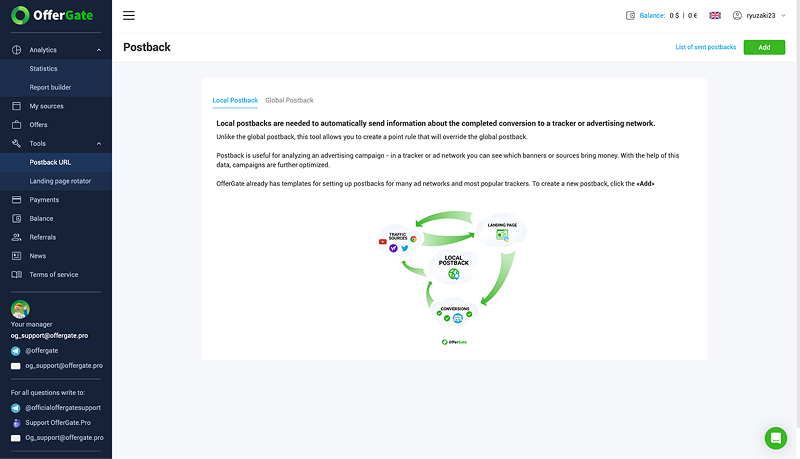
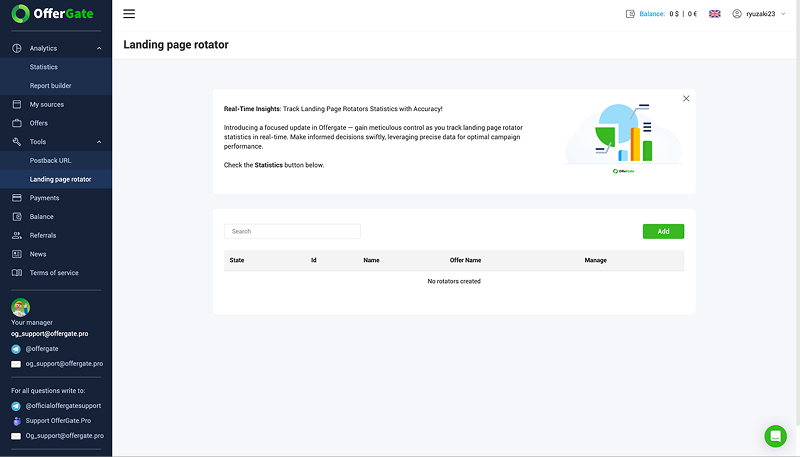
Two tools are available in this section: postback setup and a landing page rotator.
Postbacks can be either local or global. Local postbacks are configured for a specific offer, while global postbacks apply to all offers. Ready-made templates are available for popular trackers and ad networks.
The rotator lets you distribute traffic across multiple landing pages and track the results for each one.

Payouts
This section is where you can request a payout and view your withdrawal history. Each transaction includes the amount, payout method, status, and transaction details.
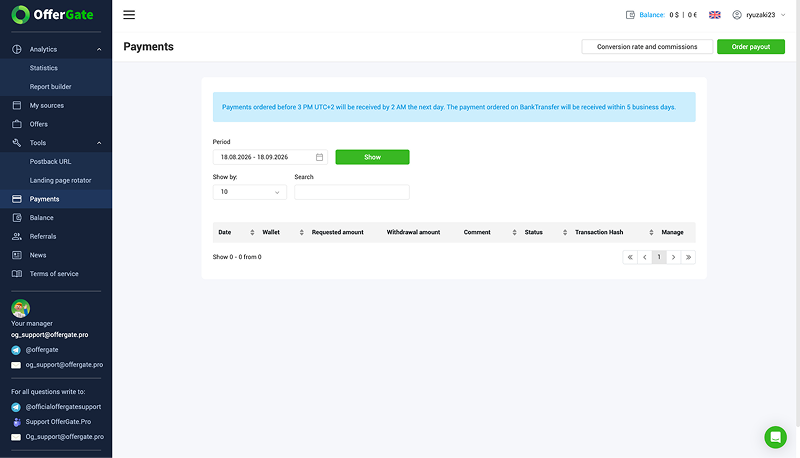
Payout requests submitted before 15:00 UTC+2 are processed by 02:00 the following day. Bank transfers can take up to five business days.
Balance
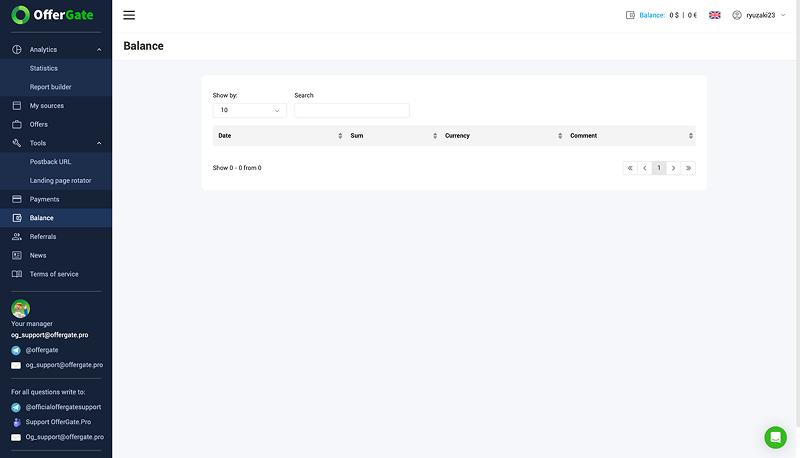
This section shows your balance history, including the date, amount, currency, and a comment for each transaction.
Referral Program
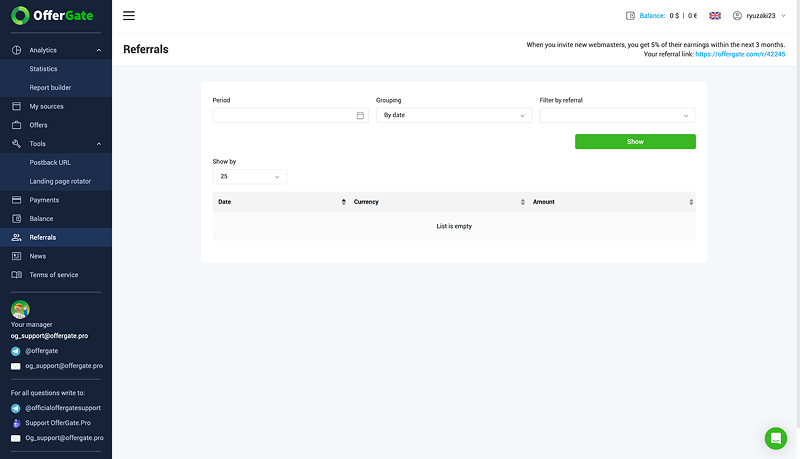
Here you can find your referral link and view statistics for the affiliates you’ve referred. OfferGate pays you 5% of each referred affiliate’s earnings during their first three months.
How to Withdraw Funds
Payout requests are submitted through the “Payments” section. When creating a request, select your preferred payment method and enter the amount you want to withdraw.
The minimum first payout is $20. After that, the minimum drops to $5. Available payment methods include WebMoney, Visa, MasterCard, USDT, Paxum, and bank transfers.
Conclusion
Over 10 years in the market, OfferGate has built a catalog of more than 100 offers and developed its own monetization solutions for website owners and software developers. This gives affiliates several ways to work with the network depending on where their traffic comes from.
Terms can also be discussed with a manager as you work with the network. Affiliates can request access to private offers, negotiate higher payouts, and get assistance with integrations.
Recent Posts
October 06, 2026
Best Ad Spy Tools for Affiliate Marketing in 2026
Ad spy tools let you see what other affiliates are running, which creatives they use, and how long t...
Read moreOctober 02, 2026
PPC Rebels Review: In-House MCC, Accounts From $10 and Same-Day Access
PPC Rebels is a service that rents out Google Ads agency accounts. One of its main differences from...
Read moreSeptember 22, 2026
OfferGate Review: 100+ Offers and Monetization Solutions for Websites and Software
OfferGate is a CPA network that has been operating since 2016. It features more than 100 offers acro...
Read more
Written by
Affbank Team
Hey there! We combined years of experience, a ton of enthusiasm and our hunger for knowledge to give you the best that we can - Affbank. Leave a comment or reach us by email support@affbank.com