



WYNQ - Monetizing Traffic reviews
Popular services
WYNQ Review: Adult Traffic Monetization Platform for Publishers
For adult website owners, monetizing traffic remains one of the biggest challenges. Revenue depends not only on visitor numbers and GEOs but also on the types of ads displayed on the site. Even websites with solid traffic volumes may struggle to sell all their ad impressions, while earnings can vary significantly between ad formats.
WYNQ entered the market in 2026 as a new platform for adult traffic monetization. Behind the service is a team with 18 years of experience in adtech. The platform works with advertising campaigns across 195+ countries and supports six ad formats, including Pop-Under, In-Page Push, and video ads.
One of WYNQ's key features is automated monetization. Publishers only need to install a single ad tag on their website, while the platform's AI-powered optimization system handles campaign selection. Website owners also get access to real-time statistics.
In this review, we'll take a closer look at how WYNQ works, which ad formats are available to publishers, how to set up monetization, and what payout terms the platform offers.
WYNQ Advantages
WYNQ specializes in adult traffic monetization and offers website owners several ad placement options. One of the platform's main features is its highly automated approach to ad integration and campaign selection. Let's take a closer look at its key advantages.
Easy setup. To start monetizing your traffic, you only need to install a single ad tag on your website. All available formats are organized into three ad slots, so there's no need to integrate each format separately or add multiple pieces of code to your pages.
Automated optimization. WYNQ uses AI to match ad campaigns with your website's audience. The system automatically selects ads based on your traffic characteristics, aiming to increase eCPM and ad fill rates.
Six ad formats. Publishers can choose from Pop-Under, Interstitial, In-Page Push, In-stream Video, Video Slider, and traditional Display Banners. This selection lets you combine different monetization formats based on the devices your visitors use and your website's layout.
Traffic monetization across 195+ countries. The network runs advertising campaigns worldwide, including Tier-1 and other GEOs. This allows publishers to monetize visitors from different countries, while WYNQ handles the process of matching ads to their audiences.
Detailed statistics. Real-time reports are available in the publisher dashboard. You can track monetization performance and compare revenue across ad placements without waiting for the next day's statistics to become available.
Transparent terms and support. WYNQ doesn't charge hidden fees and offers several payout methods. Online support is available 24/7, while dedicated account managers are available seven days a week during business hours, depending on the time zone.
Ad Formats
WYNQ offers six ad formats for adult traffic monetization, ranging from traditional banners and popunders to several types of video ads. This gives website owners the flexibility to choose placements that suit their site's layout and audience.
Pop-Under. These ads open in a separate browser tab or window after a user interacts with the website. The format allows publishers to monetize visits without adding extra banner placements to the page itself.
Interstitial. Full-screen ads that appear when users navigate between pages or sections of a website. These ads take up almost the entire screen, making them highly visible to visitors.
In-Page Push. Notification-style ads displayed directly on a website. Unlike traditional Web Push notifications, they don't require users to grant browser notification permissions.
In-stream Video. Video ads embedded within the main video content. For adult websites with their own video players, this provides another way to generate revenue from video views.
Video Slider. A video ad unit that appears as an overlay on the page. This format allows publishers to display video ads without allocating a separate ad placement within the main content.
Display. Traditional display banners that can be placed in different areas of a website. They're suitable for fixed ad placements throughout the site.
WYNQ groups all six formats into three ad slots. Publishers only need a single integration tag to enable monetization, while the platform uses AI to automate ad campaign selection. This allows website owners to run multiple ad formats without integrating each one separately.
How to Get Started with WYNQ
All you need to register with WYNQ is an email address. You can also create an account using Google. The registration process takes just a few steps:
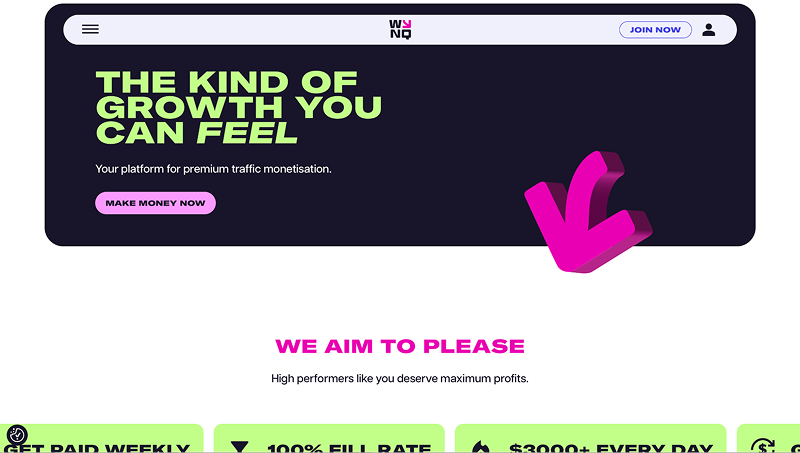
- Visit the official WYNQ website and click "Join Now."
- Choose to sign up with Google or fill out the registration form with your email address and password.
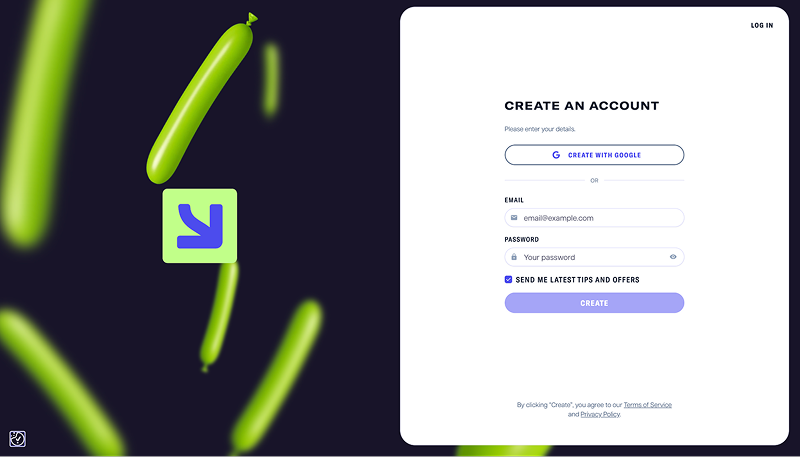
- Click "Create" to complete the registration.
Once your account is created, you can add your website and start setting up ad placements. WYNQ uses a single ad tag to enable monetization.
WYNQ Dashboard Overview
After registering, you'll land on the main dashboard, which shows two steps for setting up monetization. First, you need to add your website, then choose where you want ads to appear.
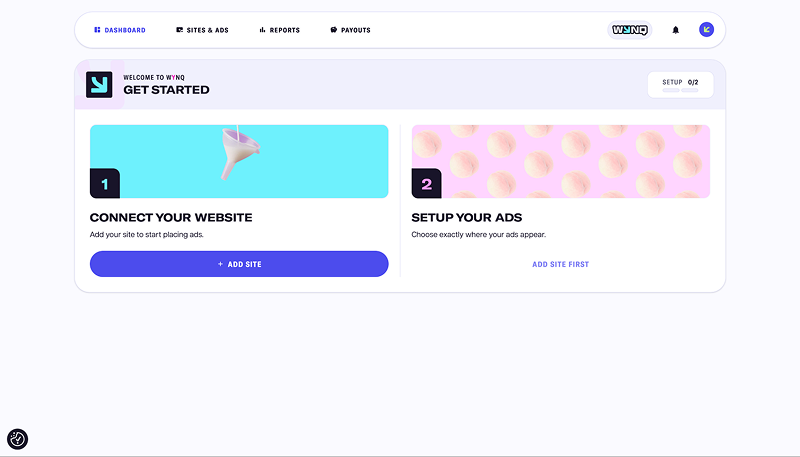
To add a website, click the "Add Site" button. You won't be able to configure ad placements until you've added a site.
The top menu contains the main dashboard sections: Dashboard, Sites & Ads, Reports, and Payouts. These let you manage your websites and ad placements, track monetization performance, and request payouts.
Sites & Ads
This section lets you add new websites and manage ads on sites you've already connected. For each domain, you can see its status, the number of active ad formats and segments, and a Traffic Health indicator that helps you monitor the site's condition.
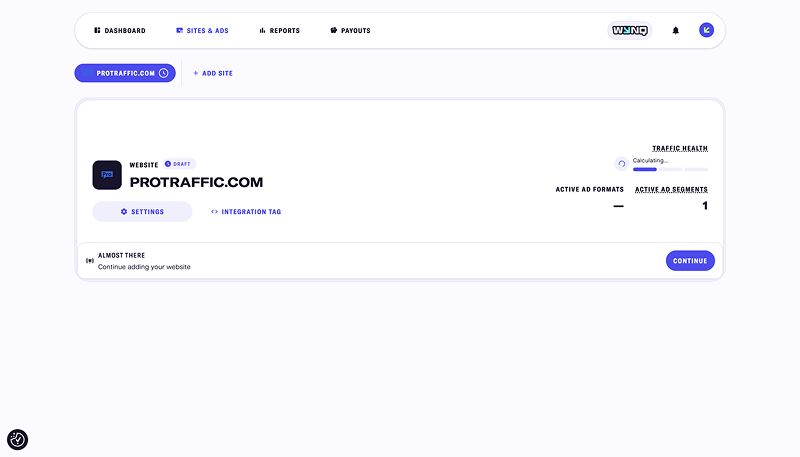
When you select a website, you'll see three settings tabs: Integration Tag, Info, and Activity.
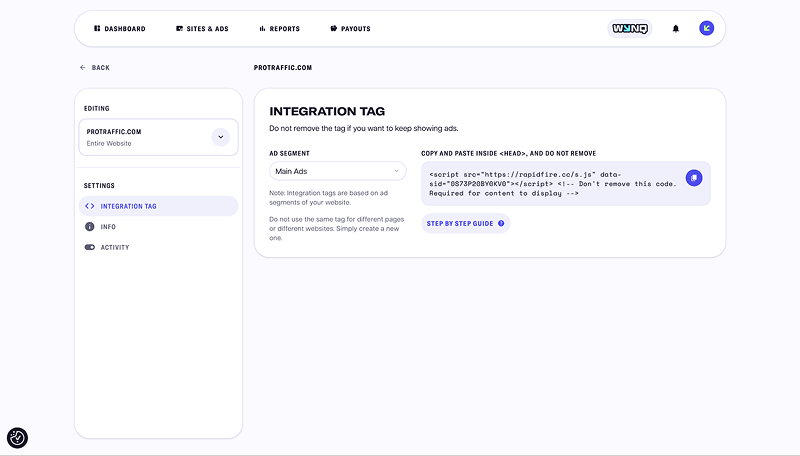
Integration Tag. This tab contains the ad code you need to install on your website. Simply select an ad segment, such as Main Ads, and copy the generated tag. Separate codes are available for different pages and websites. There's also a step-by-step integration guide.
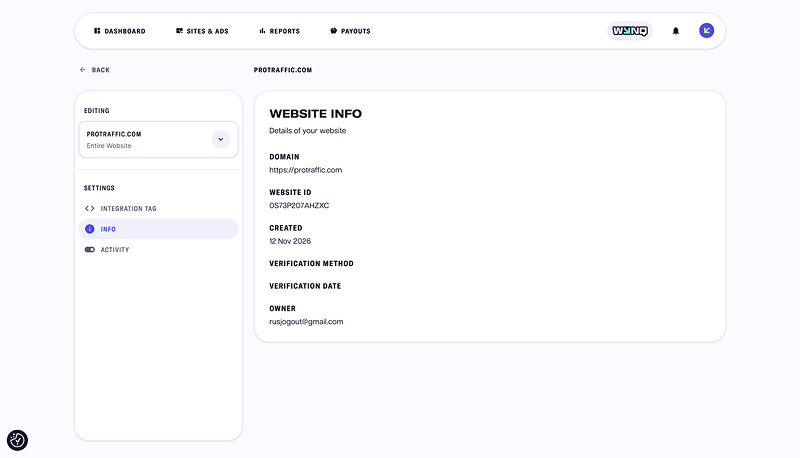
Info. Here, you can view your website's details, including its domain, unique ID, date added, owner, and verification information.
Activity. You can temporarily pause ad delivery without removing your website or the installed tag. All settings and data are preserved, so you won't need to reintegrate the ads when you resume monetization.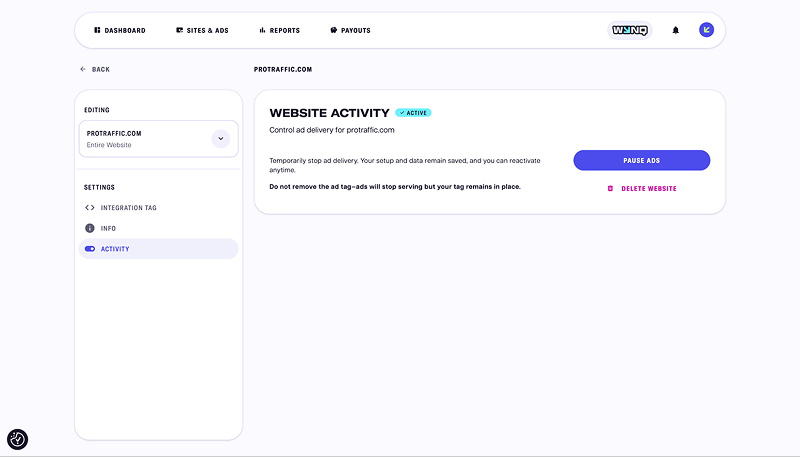
You can also permanently remove a website from your dashboard if needed.
Reports
Monetization statistics are available separately for each connected website. At the top of the page, you'll see your estimated earnings for the last 30 days, with detailed ad placement reports below.
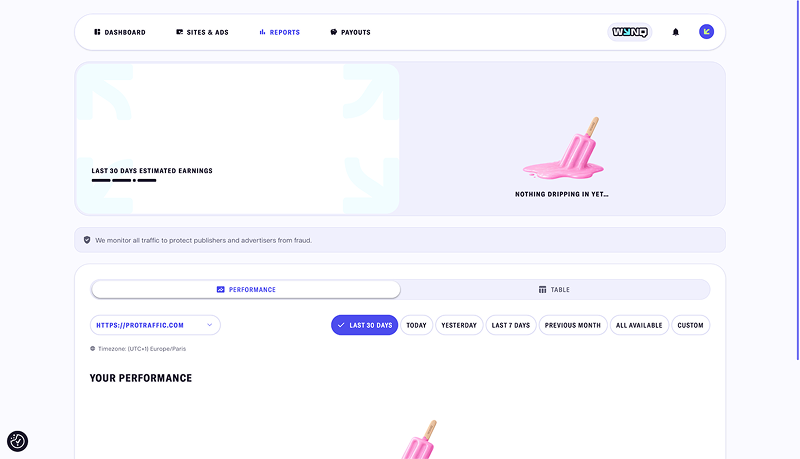
You can view data for today, yesterday, the last 7 or 30 days, the previous month, or your entire account history. You can also set a custom date range.
Reports are available in two views: Performance and Table. Performance lets you track trends in your key metrics, while Table provides a detailed breakdown of statistics in a tabular format.
Payouts
Before you can receive payouts, you'll need to add your payment details. You won't be able to withdraw your earnings until this information is provided.
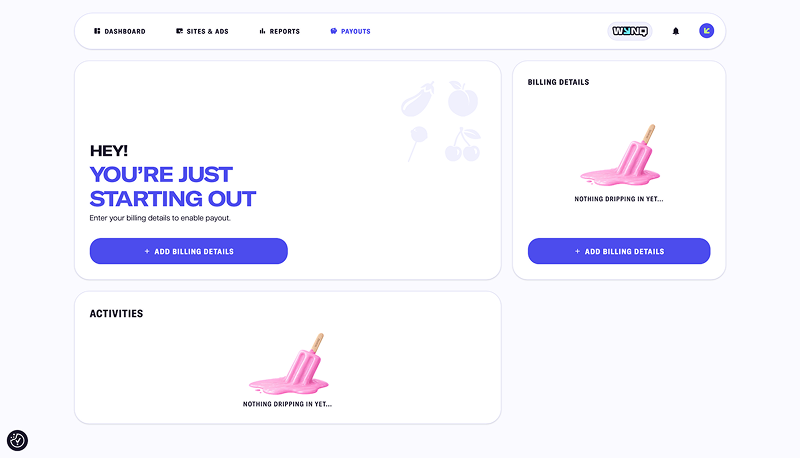
You can also view your payout history and other transactions in this section.
Account Settings
In your account settings, you can change your password, enable two-factor authentication, and select your time zone. The selected time zone is used when generating monetization reports.
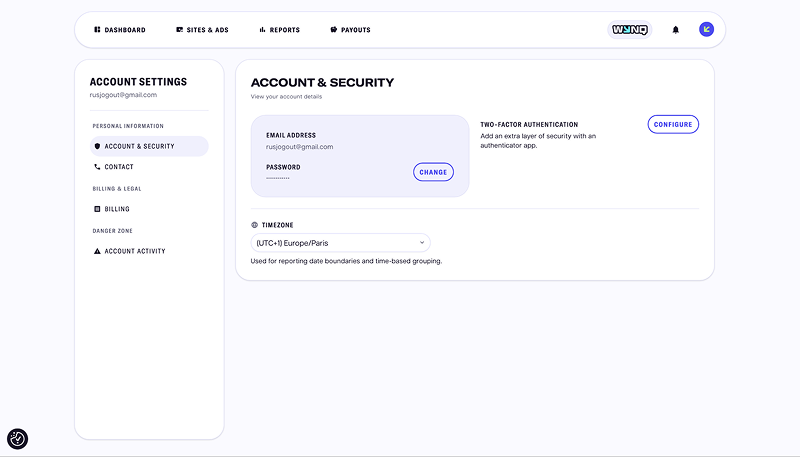
You can also manage your contact and payment information here. A separate Account Activity tab lets you review your account activity history.
Conclusion
WYNQ specializes in adult website monetization and offers a fairly wide range of ad formats. Publishers don't have to manually select campaigns for each format. Instead, the platform's automated optimization system handles ad selection based on traffic characteristics and matches ads to the website's audience.
Another notable feature is the integration process. A single ad tag is enough to run all available formats, with ad placements organized into three slots. This could be particularly appealing to publishers who want to test several monetization methods without having to integrate each ad format separately.